Stream overlay pack · OBS
Rainy Lo-fi Window
Cozy rainy-window vibes for chill / lo-fi streams — scene backgrounds, an animated rain loop, live overlay, webcam frames, alerts and panels ready for OBS.
€14.99 EUR incl. VAT
Checkout will open here once Paddle has approved this site. Price: €14.99 EUR incl. VAT. Our order process is conducted by our online reseller Paddle.com. Paddle.com is the Merchant of Record for all our orders (handles payment, VAT/GST and receipts). 14-day refund, no questions asked — see Refund policy. In the meantime, email academy@josecovas.com.
What's included
One zip file, instant download after payment. This is a digital download; no physical item will be shipped.
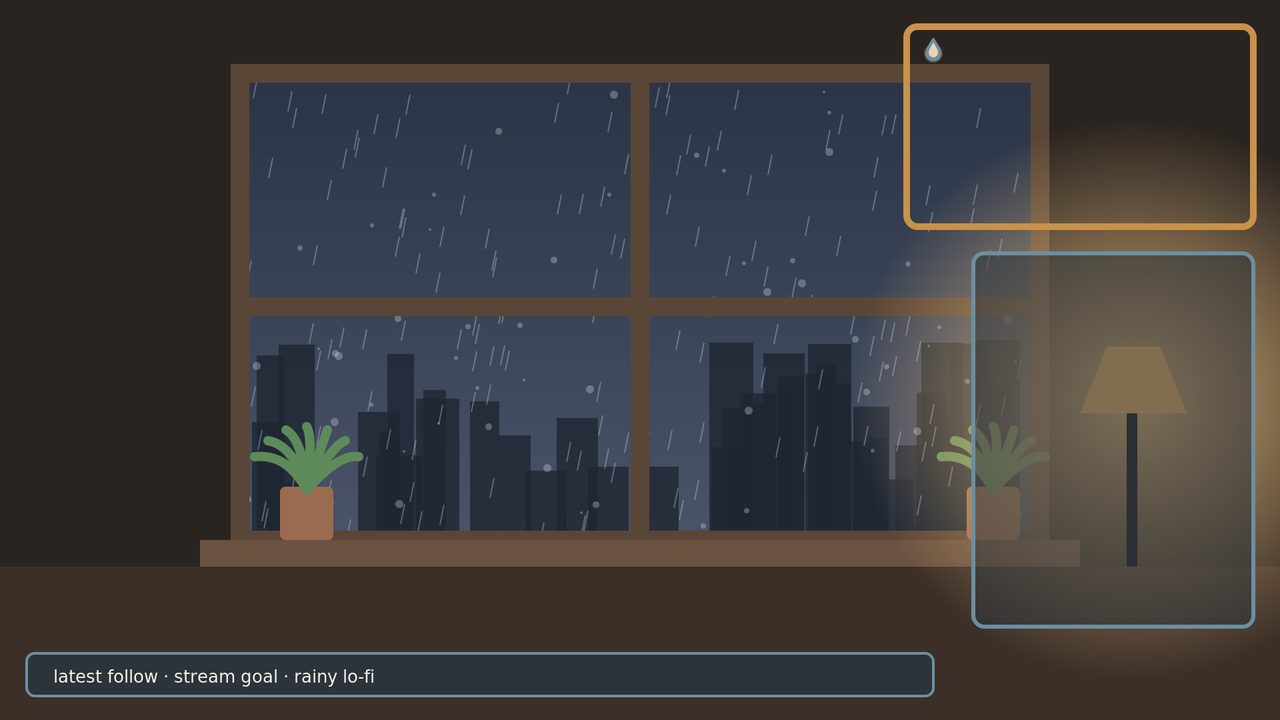
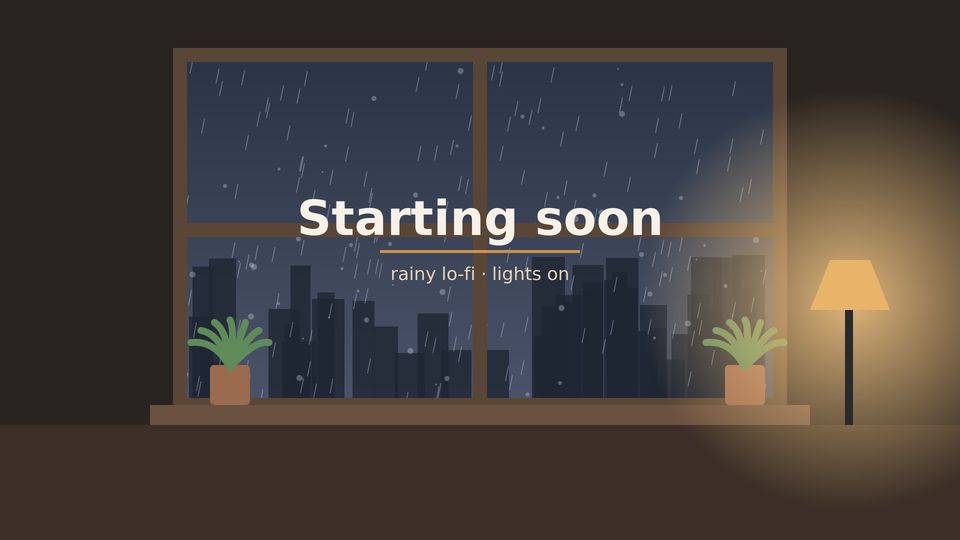
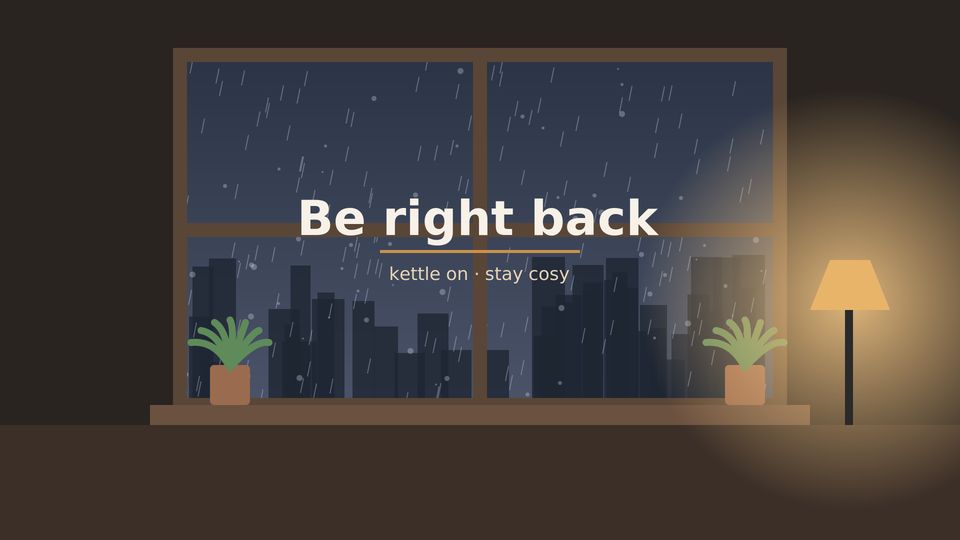
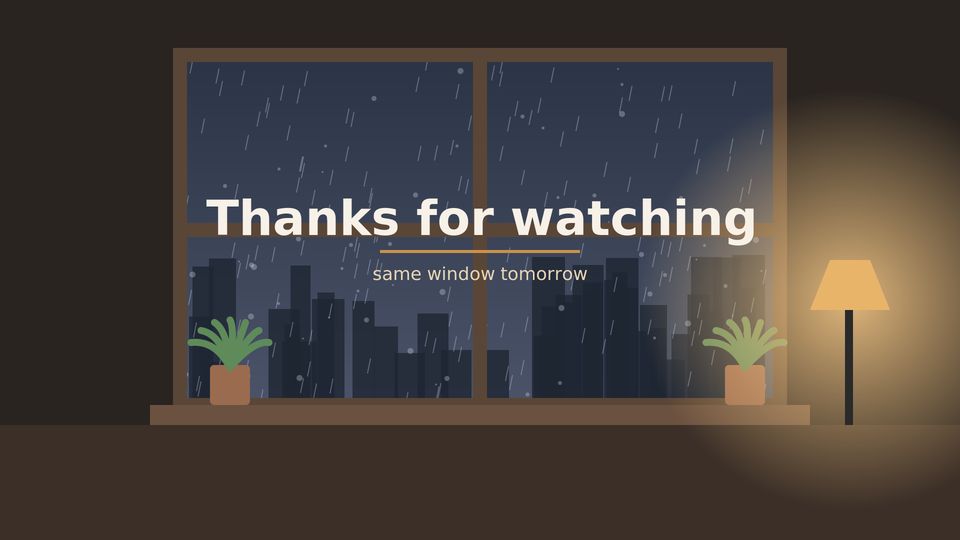
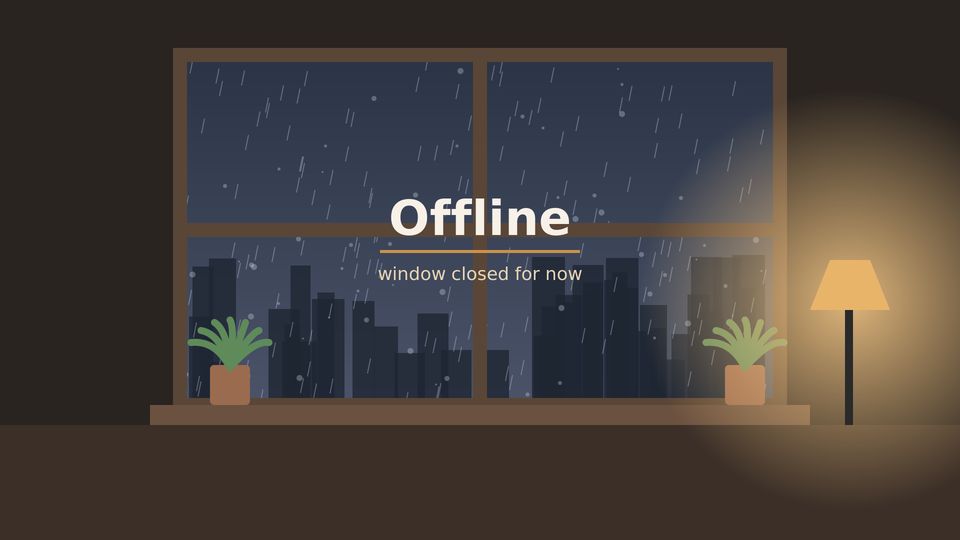
- 6 scene backgrounds 1920×1080 PNG — Starting Soon, Be Right Back, Thanks for Watching, Offline, plus a clean no-text background and a live-layout preview
- 1 animated rain background loop — MP4 1920×1080, 8 s seamless, 24 fps, no audio (use as a Media Source with Loop)
- 1 live overlay 1920×1080 — transparent PNG + editable SVG
- 2 webcam frames — 16:9 (680×400) and 4:3 (560×440), transparent PNG
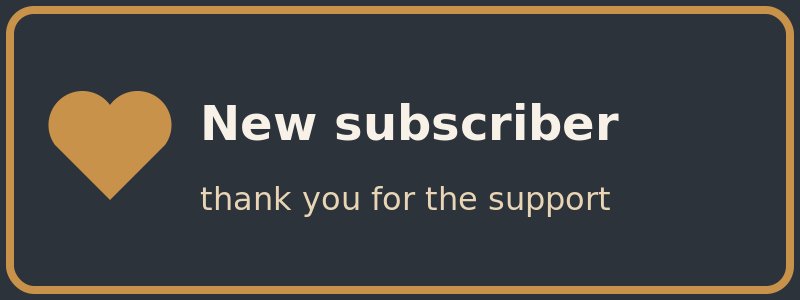
- 5 alert images 800×300 PNG — Follow, Sub, Donation (tip), Raid, Bits (static images, text included)
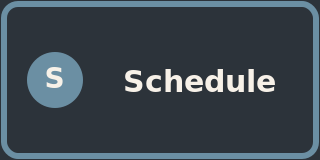
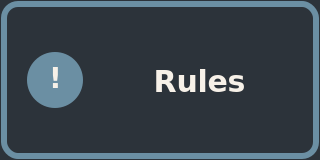
- 8 panels 320×160 PNG — About, Schedule, Rules, Donate, Socials, Discord, Commands, Setup
- 1 custom raindrop icon — PNG + SVG
- Install guide (TXT + PDF) for OBS Studio 30+ / Streamlabs + personal-use licence
Scenes
Alerts




Panels


How this pack was made
The background artwork was created with code-generated graphics and animated with scripts from my own original designs. I then personally edited every design in this pack — choosing the colour palette, typography, icons, text and layout — and assembled and tested the files for OBS.
Compatibility and install
OBS Studio 30+ · Streamlabs · Twitch · YouTube · Kick
- Download the zip from the link on the thank-you page (or your Paddle receipt) and unzip it.
- In OBS: add an Image Source for each PNG scene, or a Media Source (Loop on) for the rain MP4.
- Put the live overlay / webcam frame PNGs on top of your capture sources.
- Webcam: place your Video Capture under the webcam frame; crop to the inner area.
Full steps are in README_License_OBS.pdf inside the zip.
Licence
Personal use for your own channel(s). No resale, redistribution, or use in products for sale. Rainframe Studio is not affiliated with or endorsed by Twitch, YouTube, OBS or Streamlabs.